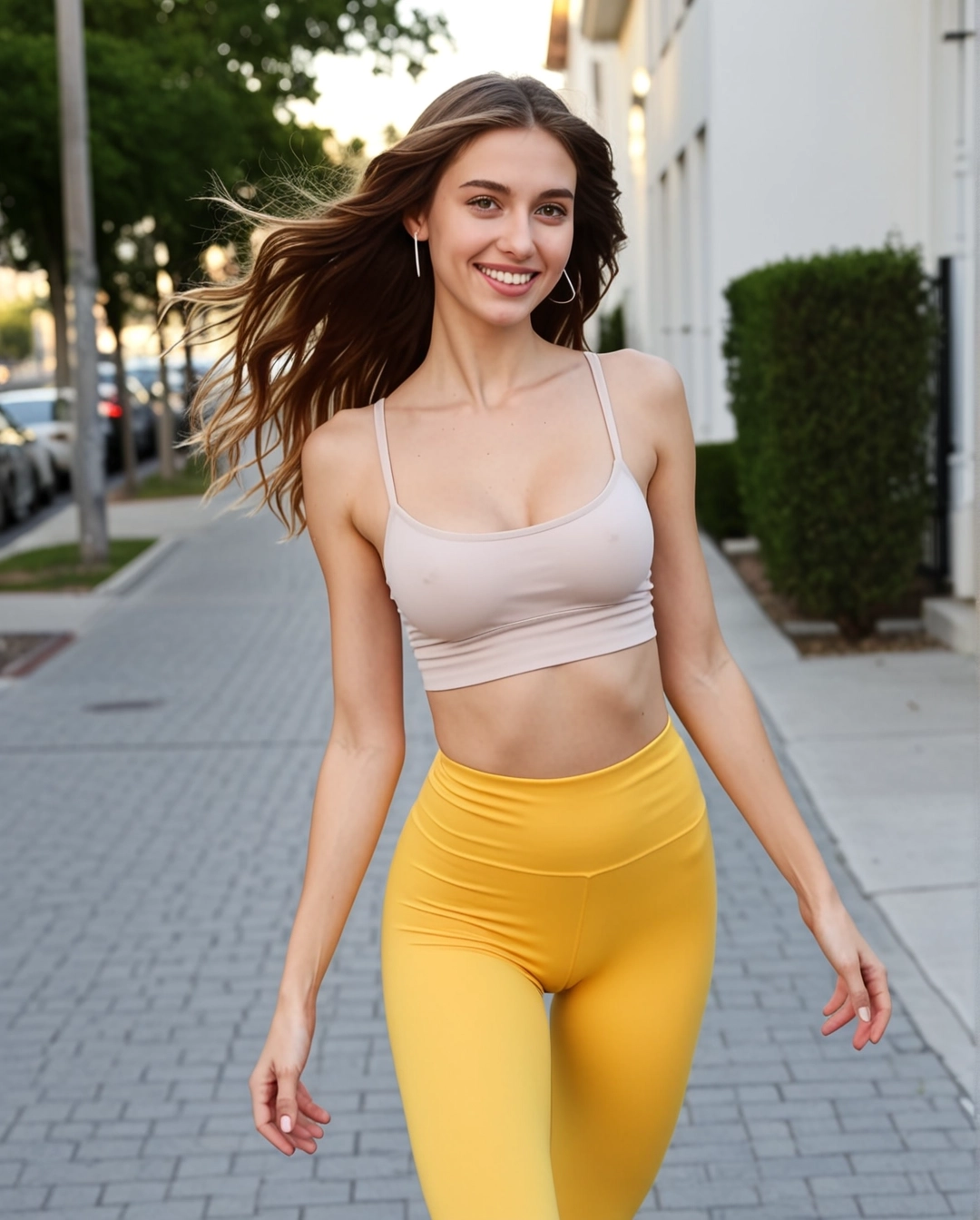
SexyGF AI Start and End Frame Video Generator
Use start and end frames when you want tighter control over the private girlfriend clip arc, pose change, and final visual beat.
How to use this workflow
- • Choose an opening frame with the exact face, outfit, and mood you want.
- • Use the ending frame to define the final pose or camera distance.
- • Keep the transition simple so the motion does not fight the frame anchors.
콘텐츠 정책 안내
부적절한 생성은 모두 실패합니다 — 이는 사기나 사이트 오류가 아닙니다. 최근 SexyGF AI 모델에서 콘텐츠 제한을 강화했으며, 모든 실제 인물 얼굴 입력(셀카, 초상화, 유명인)이 모델 레벨에서 차단되었습니다. 폭력적이거나 NSFW 콘텐츠도 거부됩니다. 여전히 일러스트레이션, 애니메이션 캐릭터, AI 생성 얼굴 또는 스타일화된 아트워크로 멋진 동영상을 만들 수 있습니다.
Creative controls
1. Pose transition
Move from a calm portrait to a closer, more confident pose.
2. Camera arc
Use the final frame to define a soft push-in or slight angle change.
3. Mood reveal
Shift from relaxed eye contact to a warmer private expression.
4. Outfit continuity
Use both frames to keep styling stable across the clip.
⚠️Frame notes
- • The first frame anchors identity, styling, and opening mood.
- • The end frame should feel like the natural finish, not a different scene.
- • If the result warps, simplify the motion prompt and reduce scene changes.
Video workflow links
Connect this video mode to the full girlfriend workflow
Video tool pages should make the still-to-motion sequence visible. This block links each mode back into image setup, motion examples, model comparisons, and safety guidance.
Current page: SexyGF AI Start and End Frame Video Generator