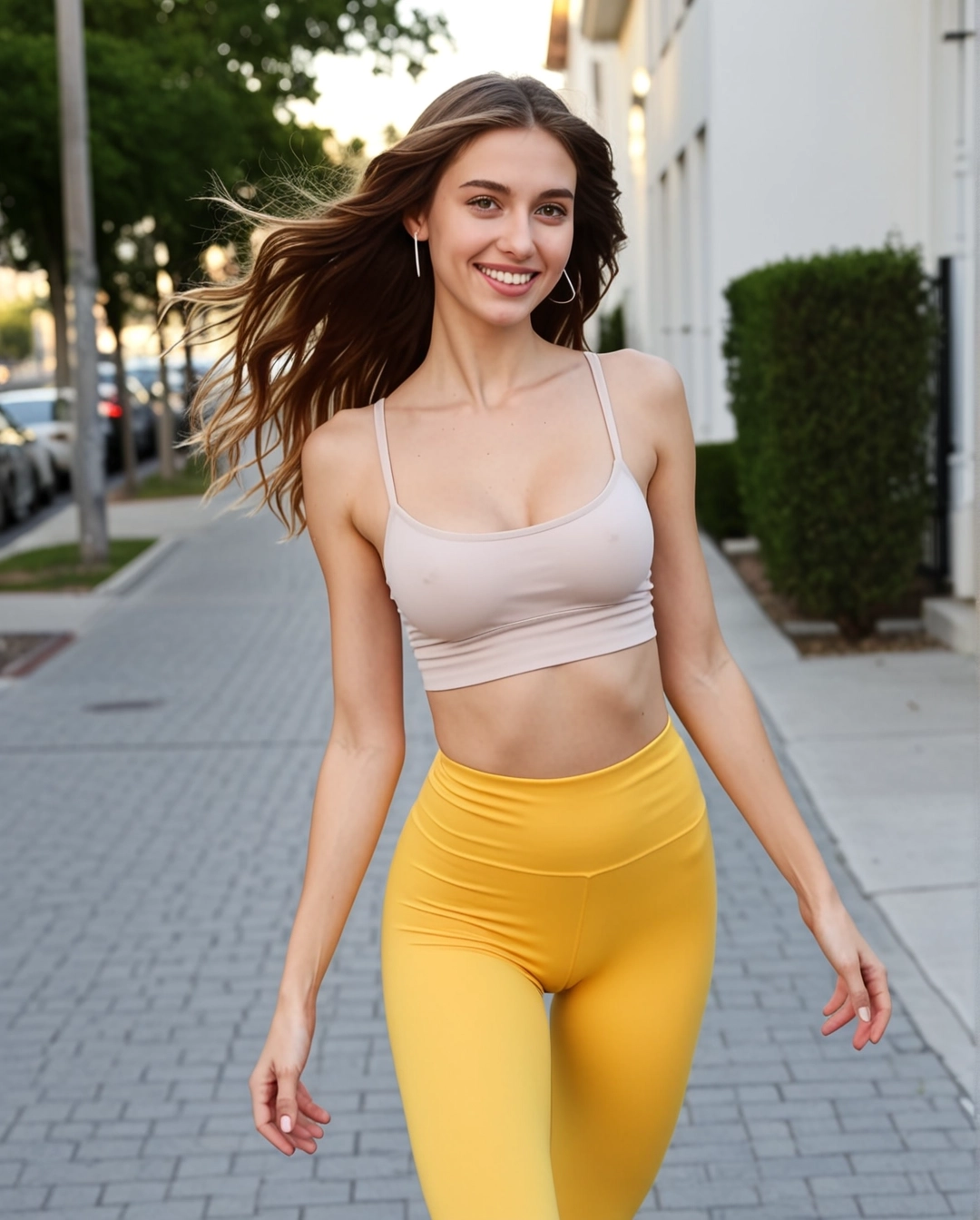
Image-to-video path for private girlfriend clips
AI Girlfriend Image to Video Generator
Start from the girlfriend image you already like, keep her look consistent, then add motion direction for a short private fantasy clip.
Private motion recipe
- •Use the strongest generated portrait as the opening frame.
- •Describe one clear motion: smile, lean closer, playful glance, slow hair movement, or soft camera push-in.
- •Keep the same outfit, lighting, face direction, and private mood for a more consistent clip.
First Pack unlock
$4.99 · 220 credits
Enough for about 6 short private clips at the default 35-credit setup, while skipping the extra free queue wait.
Thông báo chính sách nội dung
Bất kỳ nội dung được tạo không tuân thủ quy định đều sẽ thất bại — đây không phải lừa đảo hay lỗi trang web. Mẫu AI SexyGF gần đây đã thắt chặt các hạn chế về nội dung, và toàn bộ các đầu vào là mặt người thật (ảnh tự sướng, ảnh chân dung, người nổi tiếng) hiện đã bị chặn ở cấp độ mẫu. Nội dung bạo lực và NSFW cũng bị từ chối. Bạn vẫn có thể tạo các video tuyệt vời với hình minh họa, nhân vật anime, khuôn mặt do AI tạo ra hoặc tác phẩm nghệ thuật cách điệu.
Motion prompt starters
She gives a slow teasing smile, keeps warm eye contact, and leans slightly closer in a cozy private room.
Soft bedroom lighting, relaxed shoulders, gentle hair movement, subtle camera push-in, intimate girlfriend mood.
After-dark hotel-suite look, confident glance toward the camera, elegant pose shift, polished private fantasy finish.
Video workflow links
Connect this video mode to the full girlfriend workflow
Video tool pages should make the still-to-motion sequence visible. This block links each mode back into image setup, motion examples, model comparisons, and safety guidance.
Current page: AI Girlfriend Image to Video